
ZINFORM ACCOUNTS · AVAILABLE NOW
The books, beautifully kept.
Ten core modules make up the first release of Zinform Accounts: the ledgers, the money in and out, assets, purchasing and stock.
AVAILABLE NOW
Ten modules, ready to move today
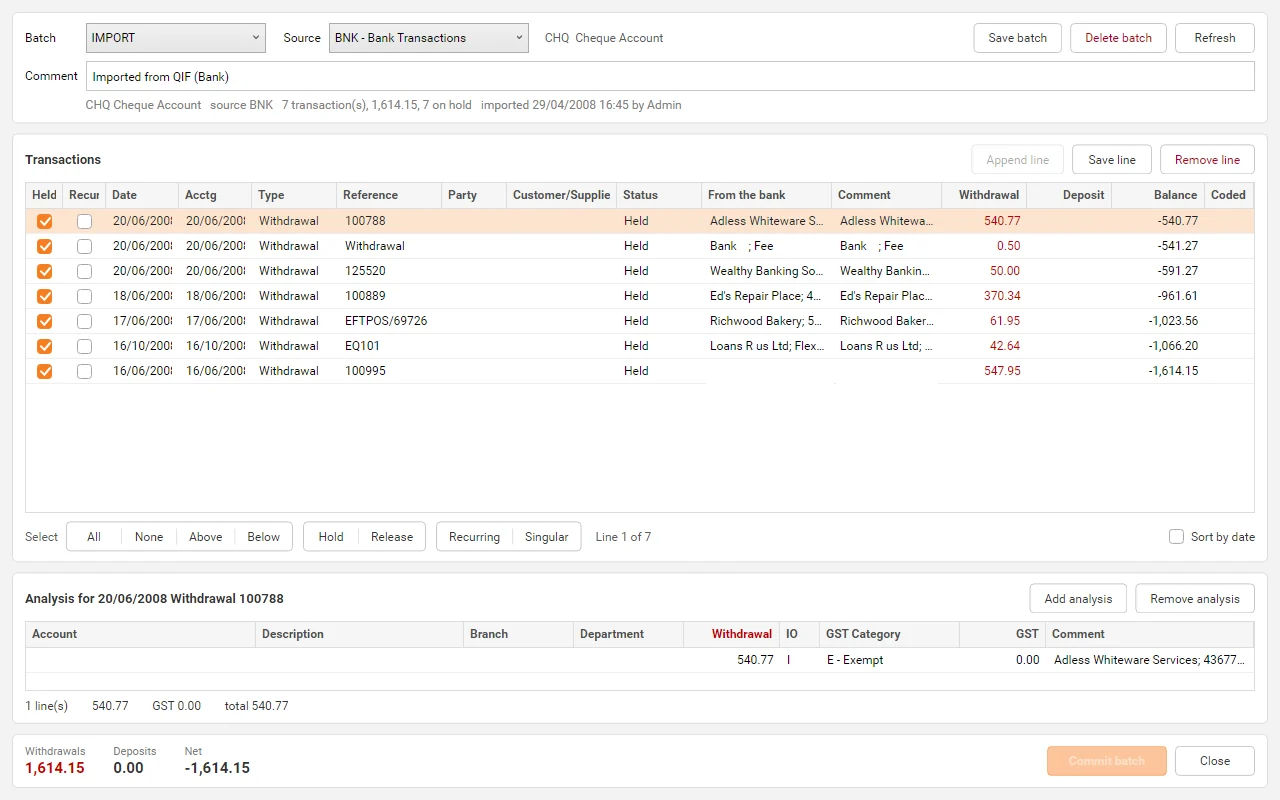
Cash Book
Bank accounts, receipts and payments, and bank reconciliation.
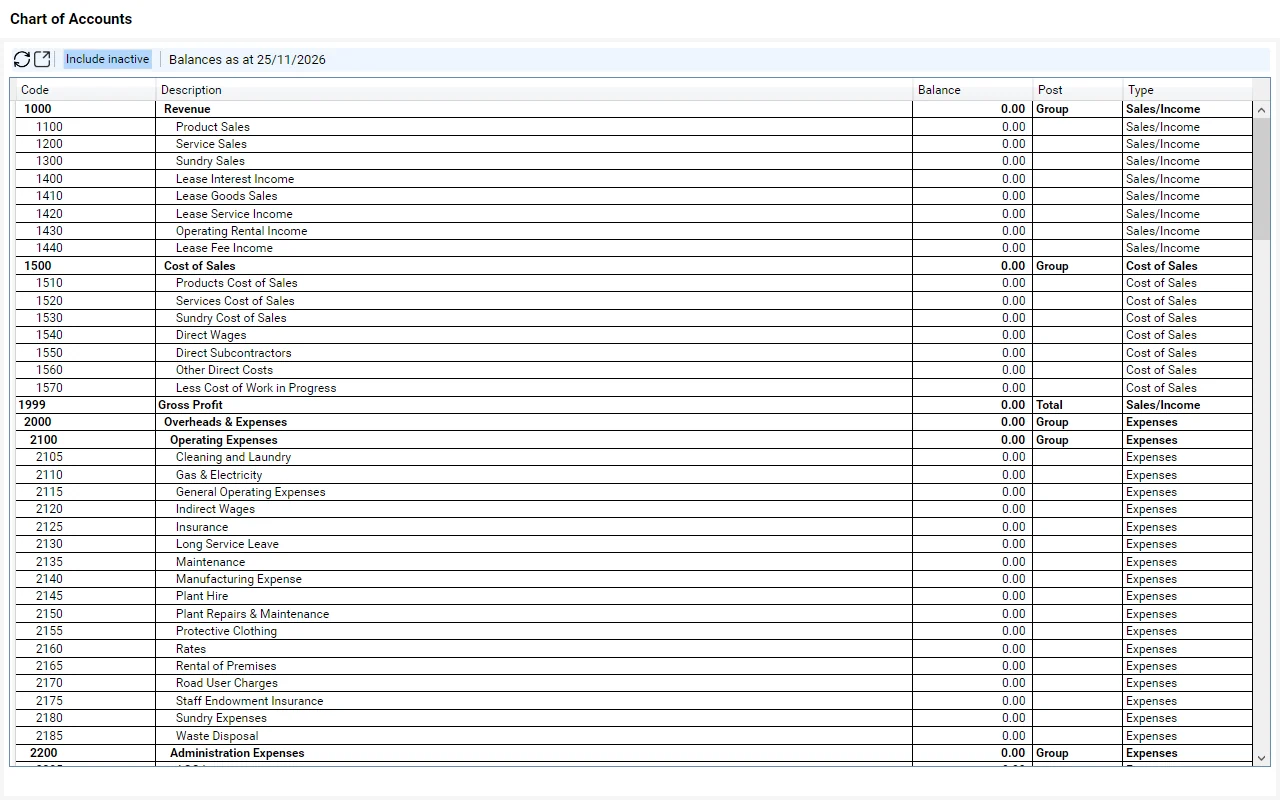
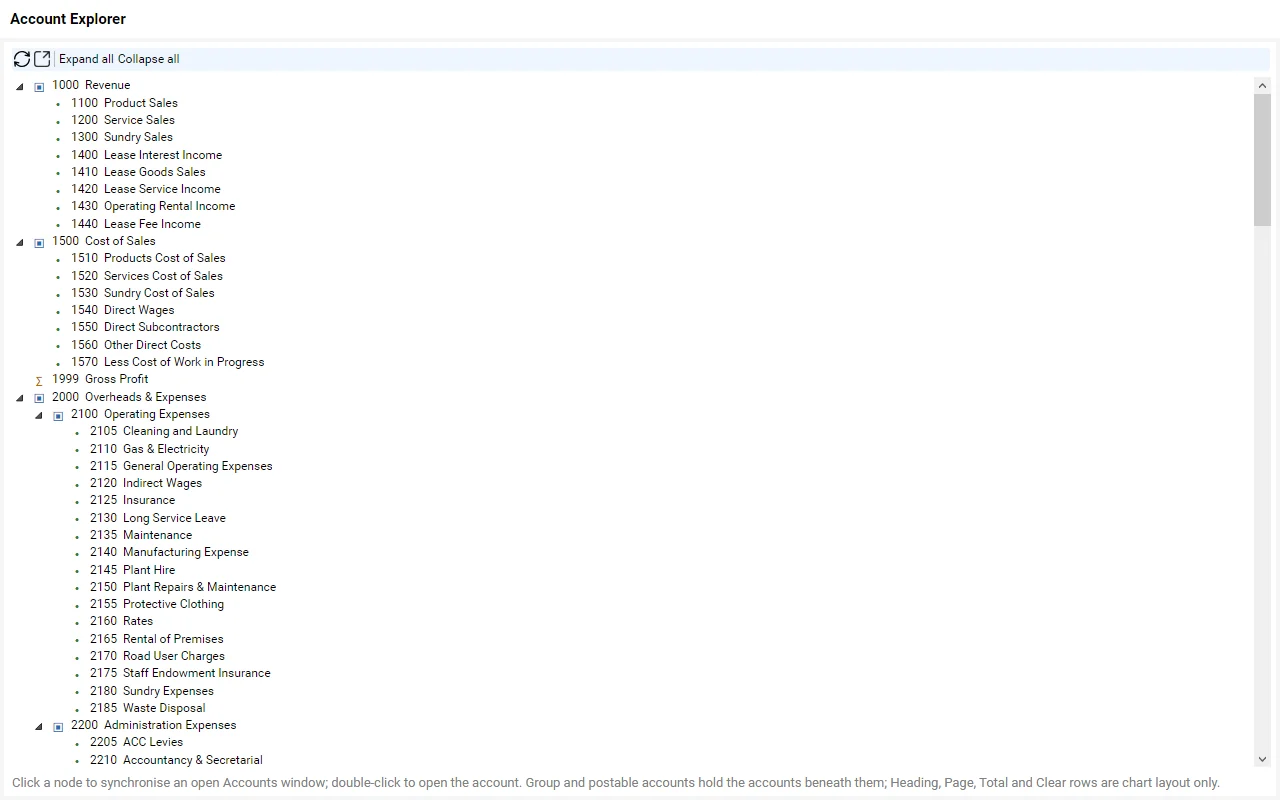
General Ledger
Chart of accounts, journals, budgets and financial reports.
Base Accounting System
The foundation every module sits on: companies, periods, users and GST.
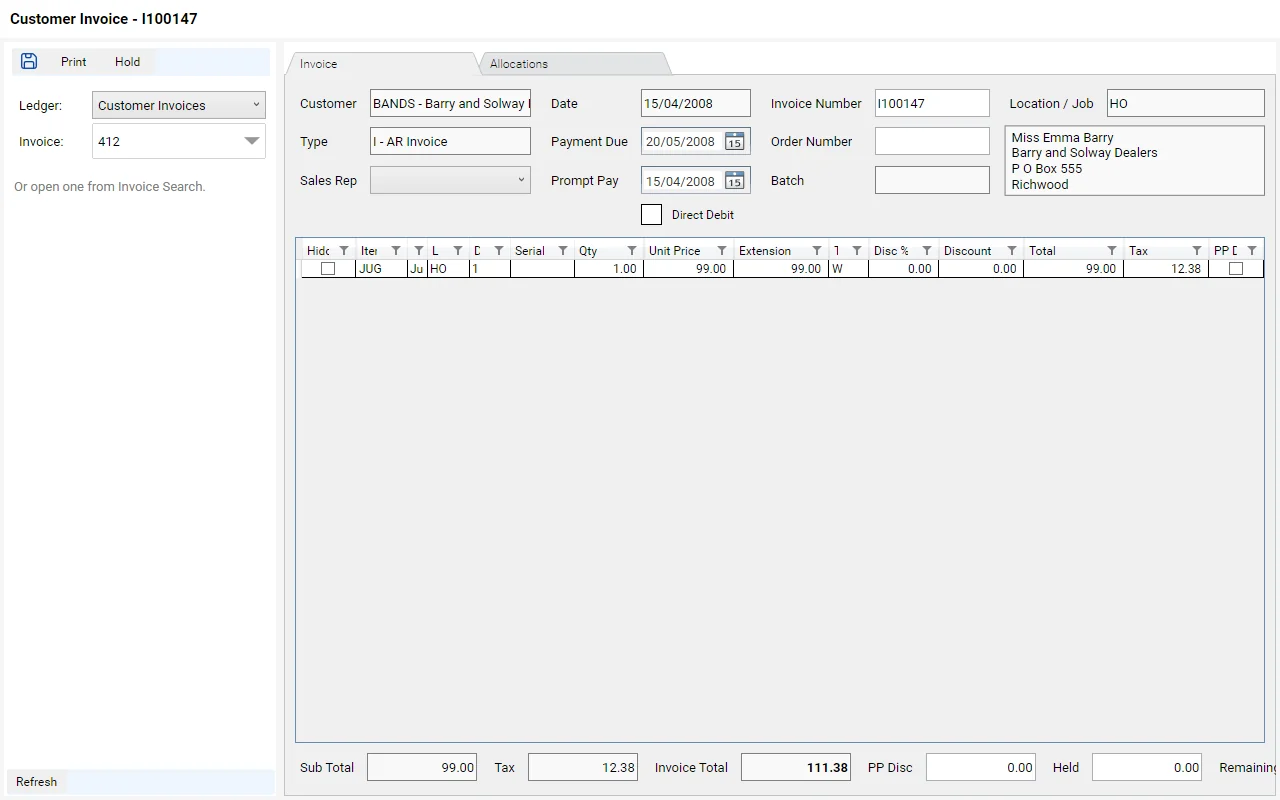
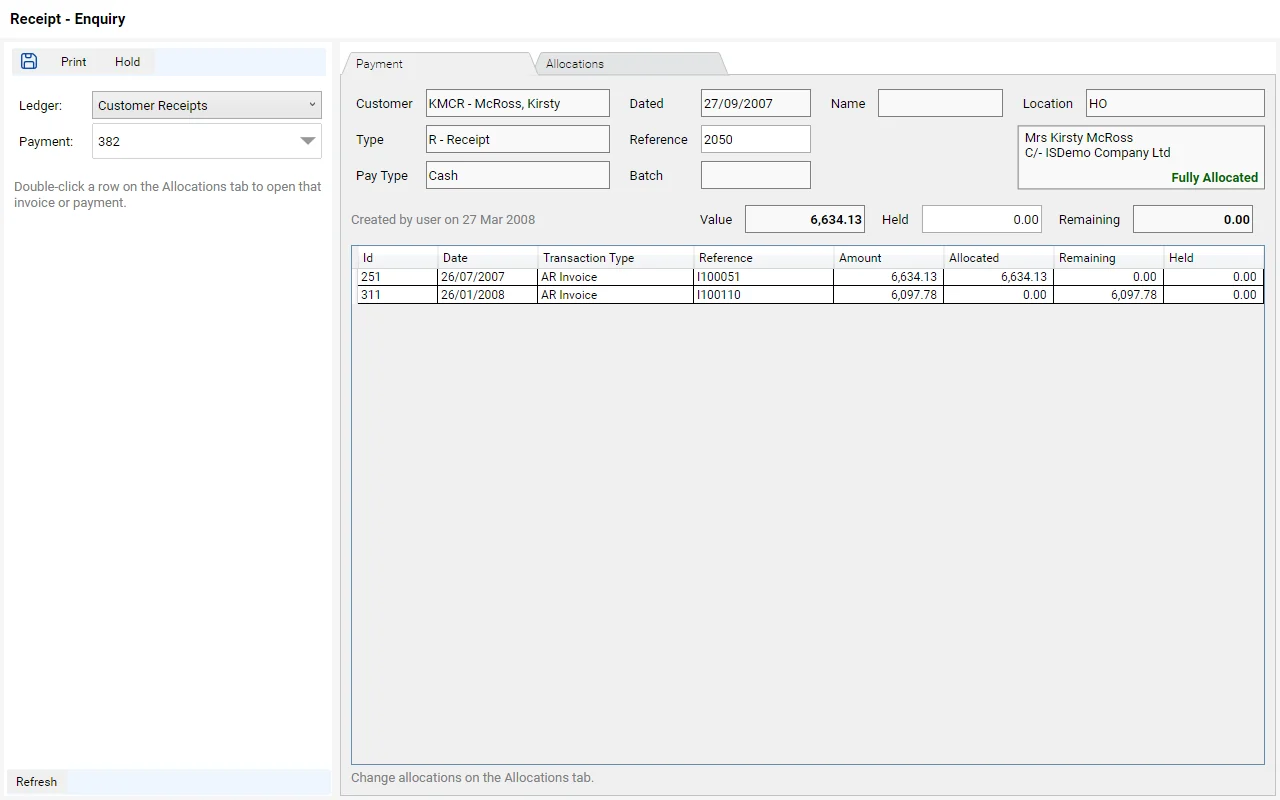
Advanced Accounts Receivable
Customers, invoices and credit notes, receipts, allocation and statements.
Advanced Accounts Payable
Suppliers, invoices, payment runs and remittances.
Branches
Run and report several branches inside one company.
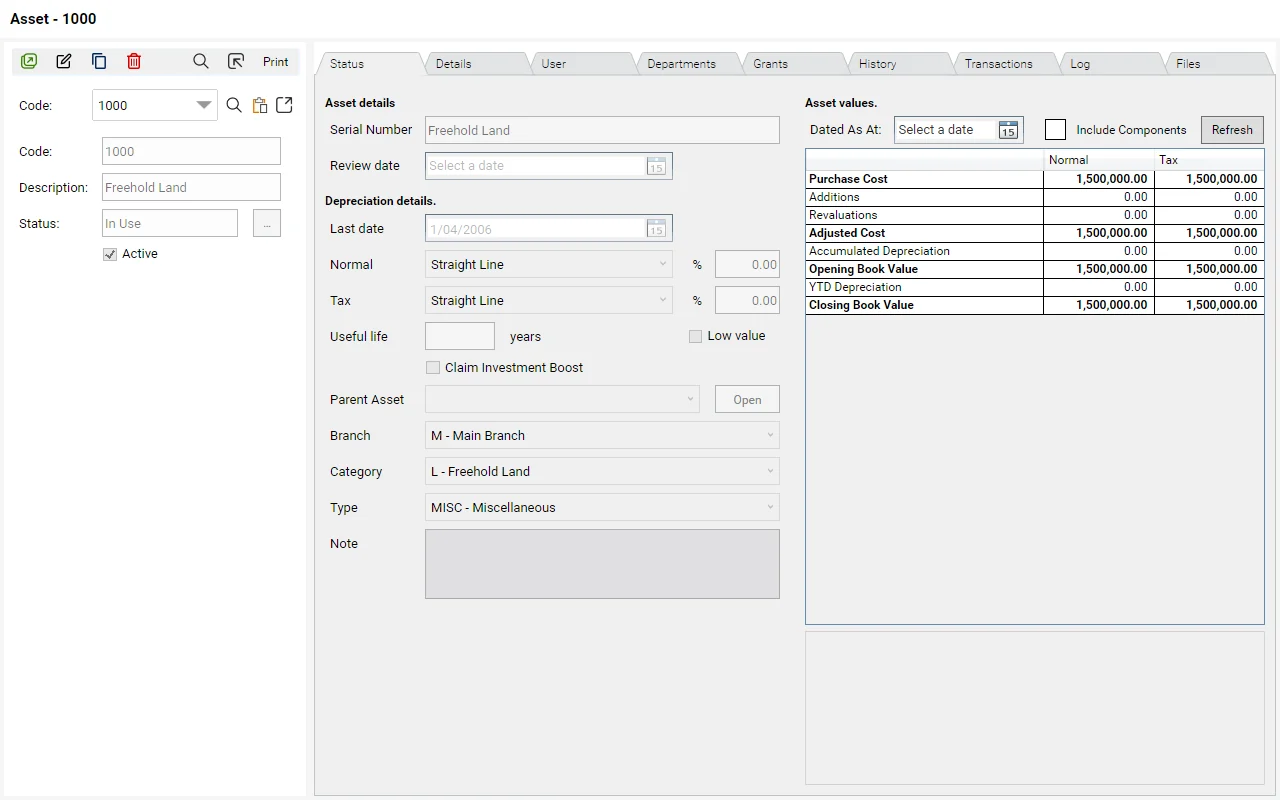
Fixed Assets
Asset register, additions and disposals, and depreciation to New Zealand rules.
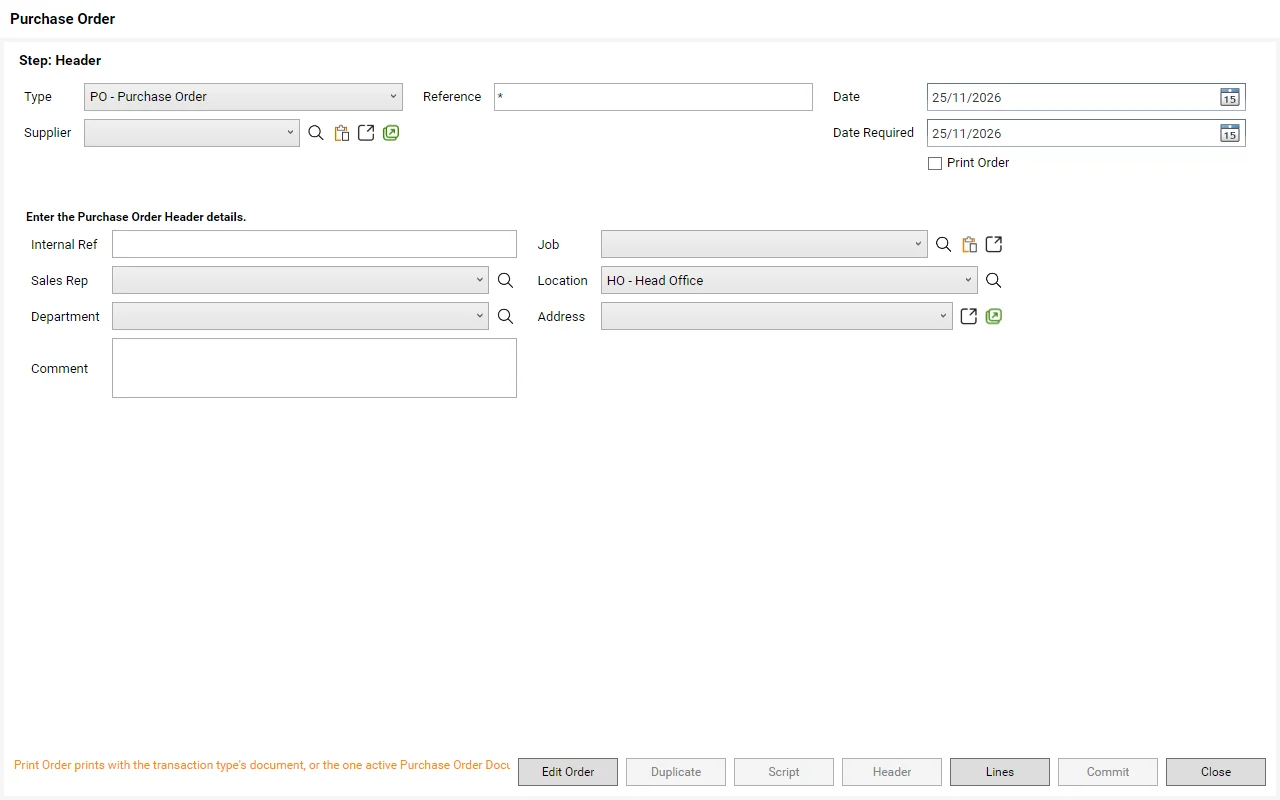
Purchase Orders
Raise orders, receive goods and match the supplier's invoice.
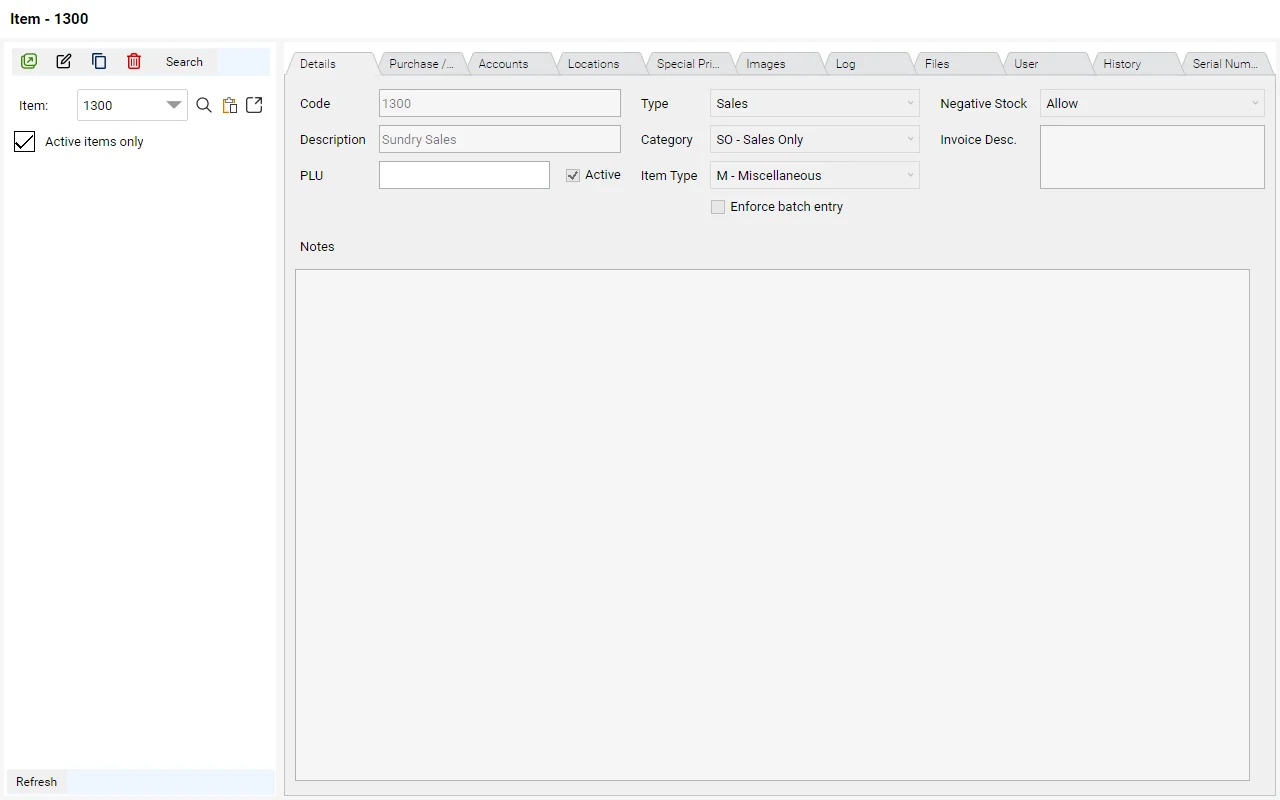
Advanced Inventory Control
Stock items, locations, costing and stocktakes.
Address Interface PostCodes
New Zealand postcodes filled in as addresses are entered.
BUILT IN
Everything around the modules
Your database
Run on Microsoft SQL Server or PostgreSQL.
Documents
Statements, invoices and remittances ready to send, or laid out in your own Word documents.
Reports and queues
Run reports on screen, or queue them to run and print without tying up your desk.
Scripting
Add your own rules to Zinform's screens and processes.
Excel Kit
Live Zinform figures in your own spreadsheets.
Explore Excel KitCRM and leasing
Add Zinform CRM and leasing on the same data.
Explore CRMZINFORM 7 · AVAILABLE NOW
See it on your own kind of work.
Tell us what you run today. We'll show you Zinform 7 doing it.